Context
As a proactive measure to expand my knowledge in API documentation, I always search for issues on Github to work on.
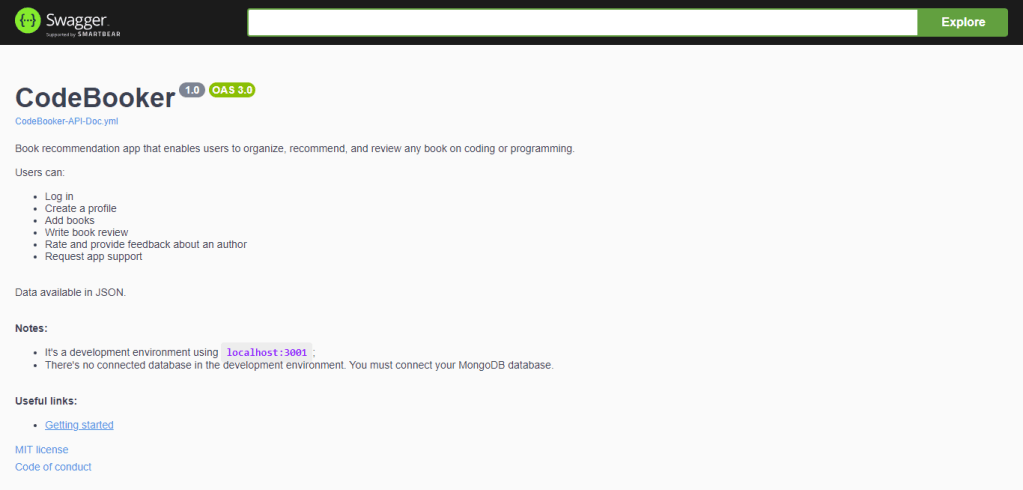
During one of these searches, I found an issue for the CodeBooker application, a system where users can organize, recommend, and write reviews about programming books. Documentation was needed to improve understanding of the functionalities and outcomes of each endpoint.
If you want to check the CodeBooker API documentation before reading the “Challenge” and “Solution” topics, click here
Challenge
The first step of the task was a detailed analysis of the routes, models, and controllers defined in the code to understand the available operations and manipulated data.
The second step was to configure the MongoDB database to open the server and be able to store and retrieve information from requests.
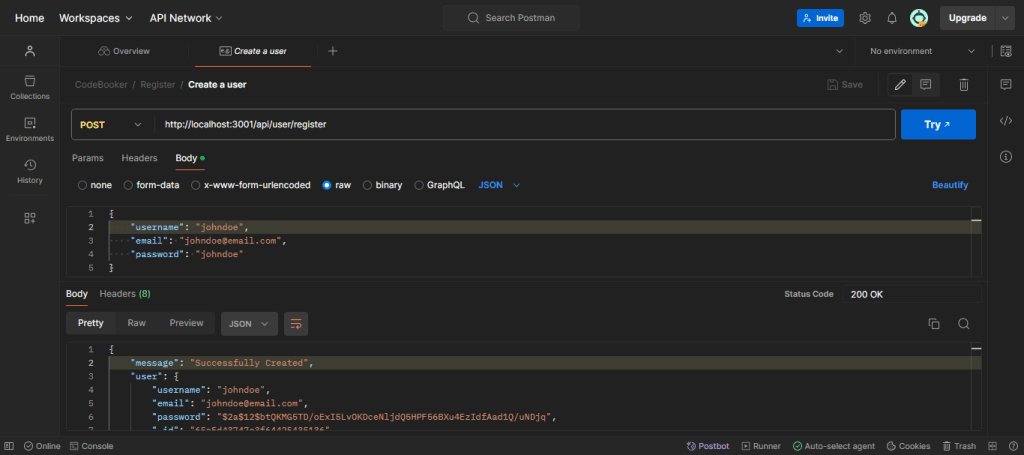
After these initial steps, I began sending requests through Postman and analyzing the responses. The idea was to ensure that the endpoints worked as expected and that the returned data was correct and well-formatted.
When testing the endpoint to fetch a user’s profile, the response I obtained was a server error, even though I correctly sent the email in the request body.
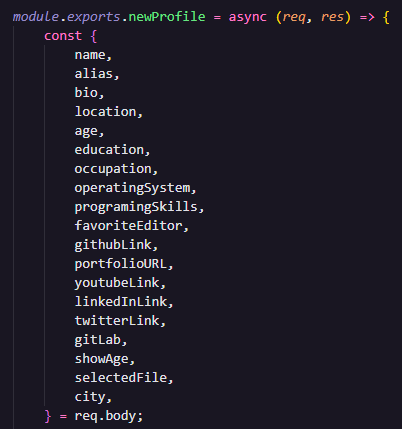
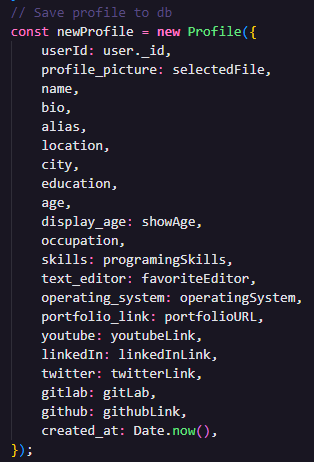
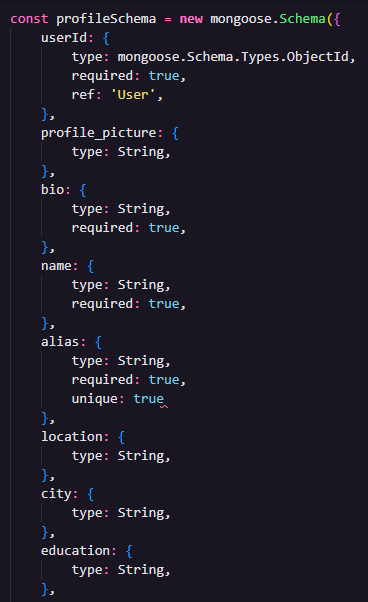
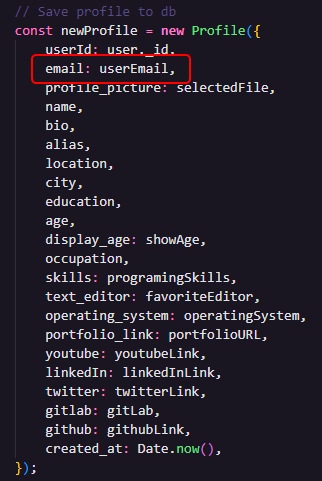
Upon examining the code, I noticed that the email was not one of the data being passed in the profileModel code and was not being saved in the database by the profileController code.
Solution
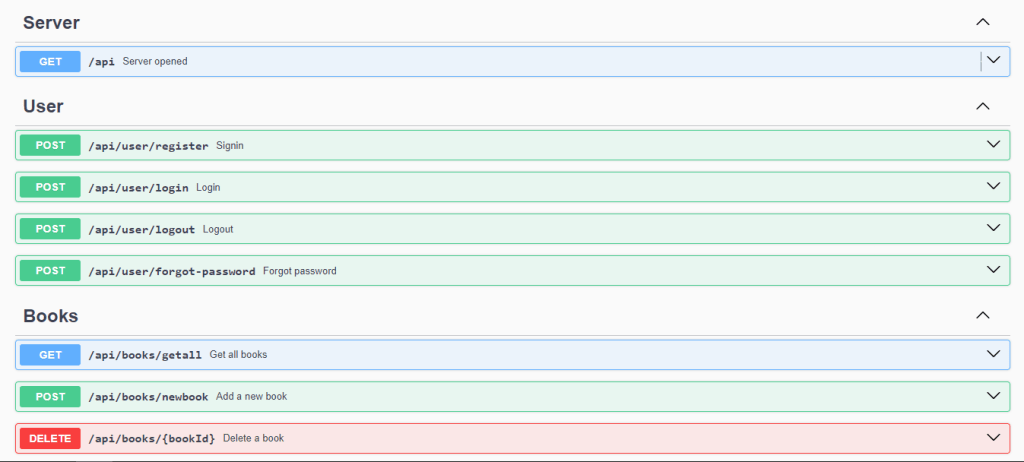
I documented all the endpoints of the CodeBooker API in Swagger using the YAML format. Drawing on my experience as a user experience writer, I created clear descriptions and added practical examples of usage for each available operation.
Before documenting the profile fetching endpoint, I fixed the code by adding the email as one of the data that should be saved when a profile was created.


Finally, I published the documentation using Swagger UI and GitHub Pages, providing a user-friendly and accessible interface for developers to consult the information.
Check the CodeBooker API documentation here
 Bruno Fernandes